Iphone
Swift Solutions for iPhone Overheating Your Quick Fix Guide
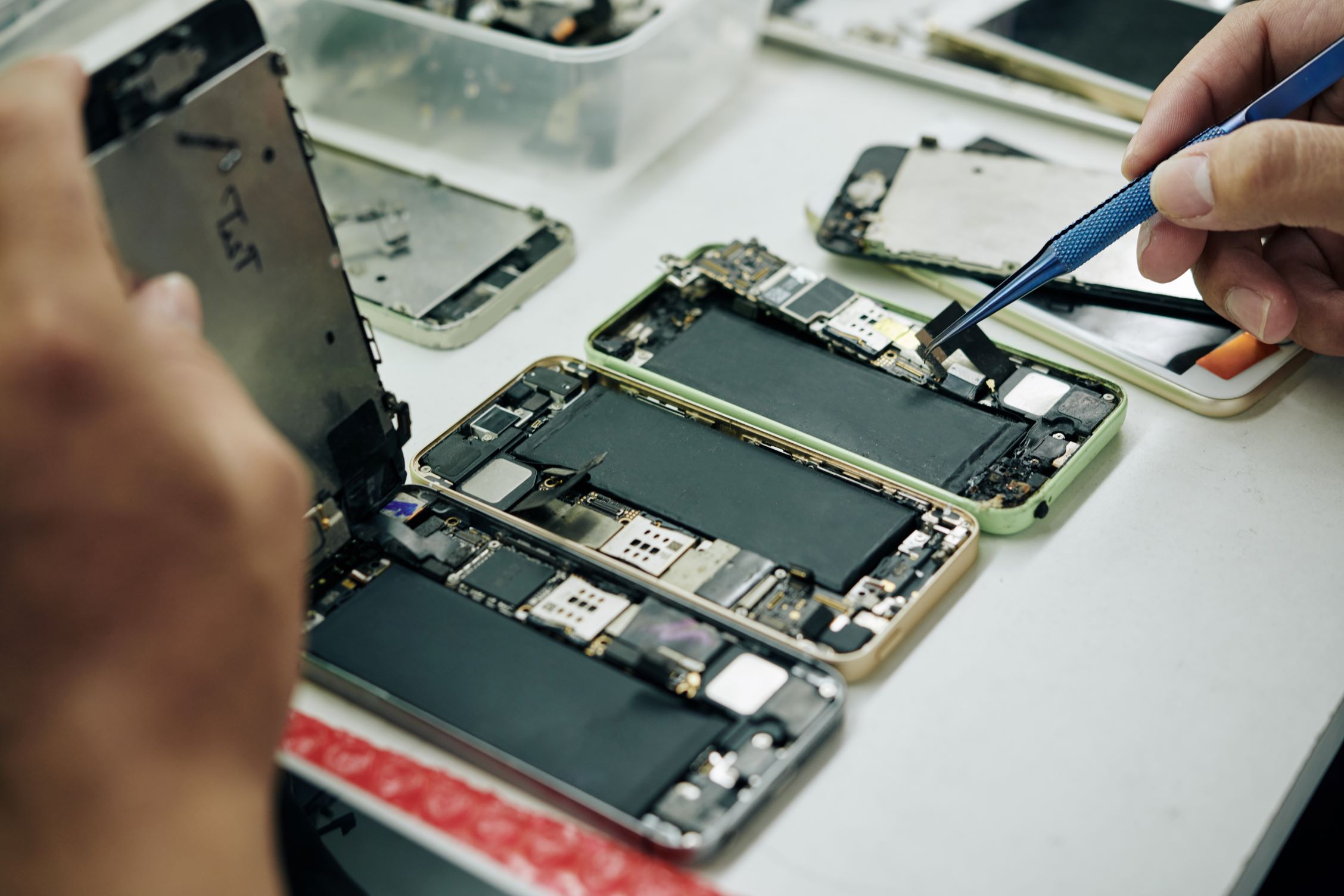
Is your iPhone feeling hotter than usual? Don’t worry; we’ve got you covered. This post will examine the causes of iPhone overheating and offer simple fixes to keep your device cool.
Why iPhones Overheat
Before we dive into the fixes, it’s essential to understand why iPhones overheat. Common causes include running resource-intensive apps, prolonged gaming sessions, and environmental factors. Identifying the root cause is the first step in solving the problem.
Fast Fixes for iPhone Overheating
Close Unused Apps
Running multiple apps simultaneously can strain your iPhone’s resources. Close unused apps from the multitasking view to reduce the load.
Adjust Screen Brightness
High screen brightness generates more heat. Lower it or enable auto-brightness in settings to reduce heat production.
Update iOS
Software updates often contain bug fixes and optimizations that can resolve overheating issues. Ensure your iPhone is running the latest iOS version.
Limit Background Processes
Some apps continue running in the background, causing overheating. Disable unnecessary background processes in app settings
Preventing Future Overheating
Proper Ventilation
Avoid covering your iPhone with heavy cases or materials that block airflow. Allow the device to breathe to prevent overheating.
Use Genuine Chargers
Cheap or counterfeit chargers can lead to overheating and damage. Always use genuine Apple chargers and accessories.
Monitor Usage
Keep an eye on resource-intensive apps and games. If they consistently overheat your device, consider alternatives or take breaks.
Conclusion
By understanding why iPhones overheat and following our fast fixes and prevention tips, you can enjoy a cool and smooth iPhone experience. Don’t let overheating issues slow you down; take action today to keep your device in top shape.